

Work Orders on mobile reads and writes the same building-level AssetOps records as KODE OS web. AssetOps is the KODE maintenance product that tracks work orders, schedules, and assets across a portfolio. Open the app to review open tasks, assign yourself, change status, and link work to assets such as VAV_3.
Work Orders appears in the building launcher when AssetOps is enabled for your organization and site. It is separate from FDD work orders, which create tickets from fault events.Open Work Orders
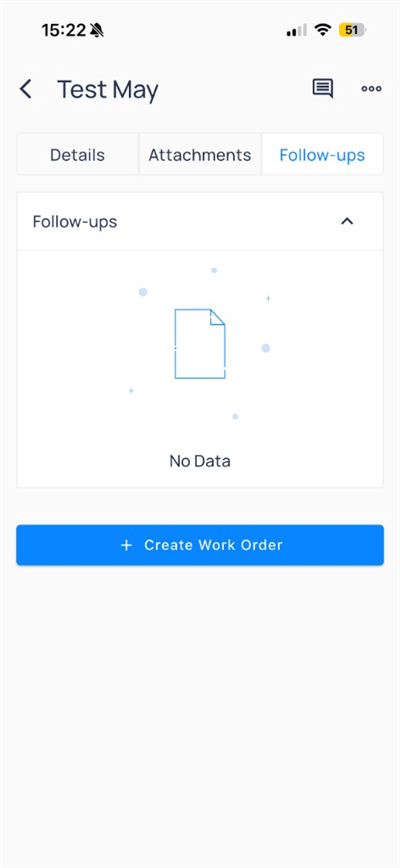
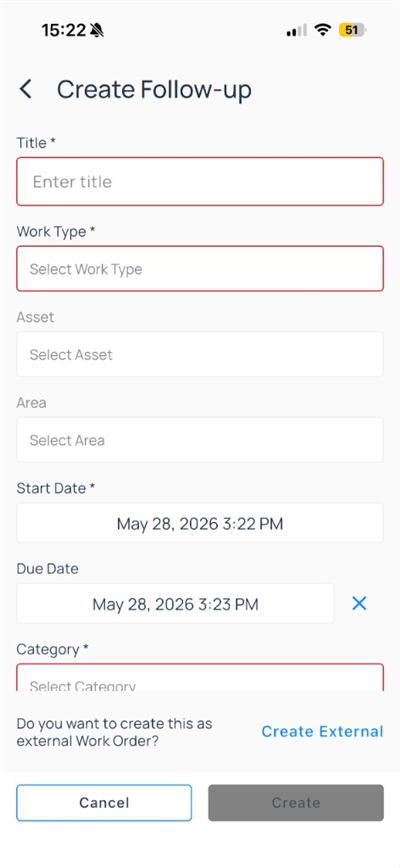
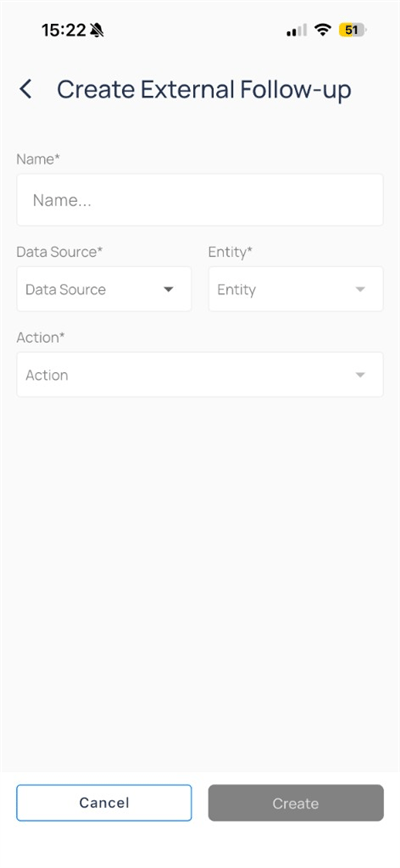
SelectWork Orders from the building app launcher. Use the header icons to refresh, filter, or create a follow-up.
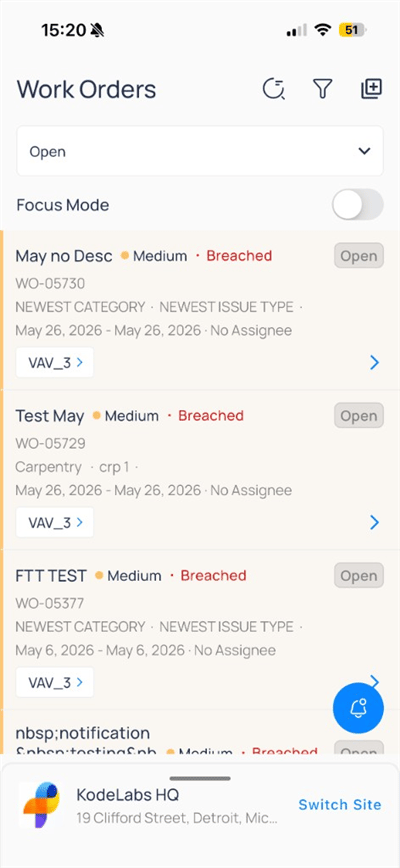
Filter and focus
Tap the status dropdown to limit the list: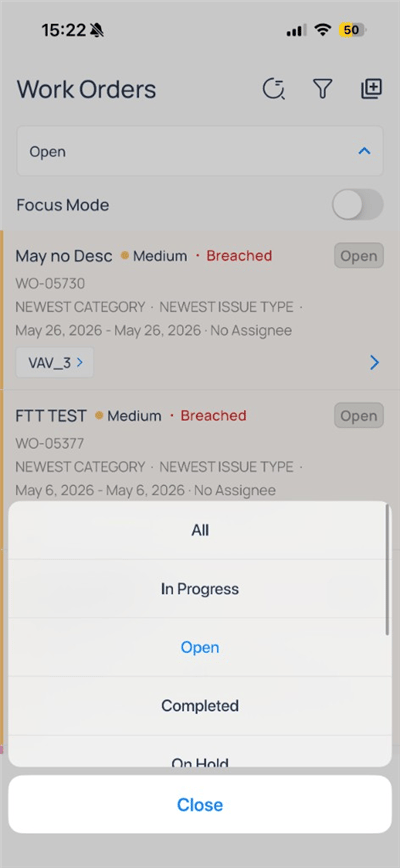
All, Open, In Progress, Completed, On Hold
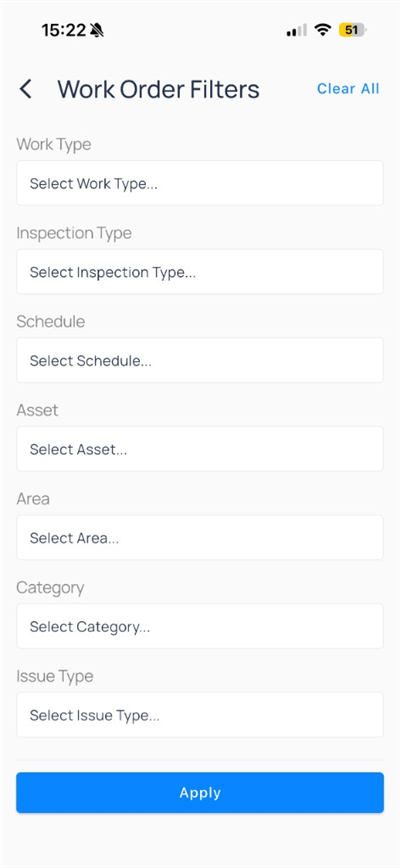
Focus Mode on the list screen to narrow the set to your assigned or high-priority work when your site configures it.
Work order detail
Tap a card to open the detail screen.- Details
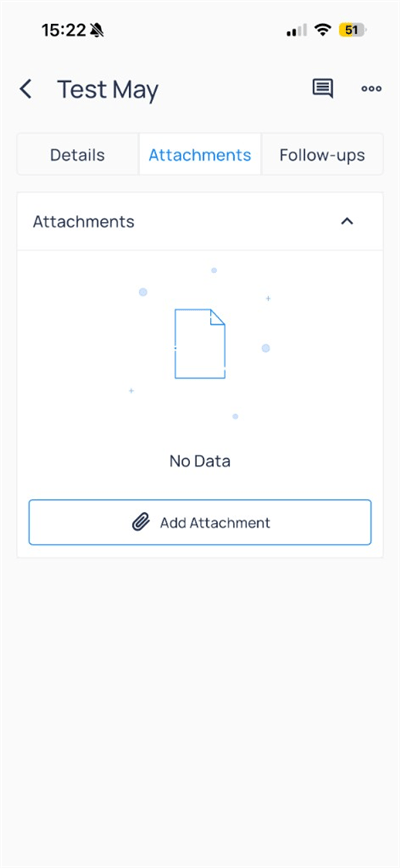
- Attachments
- Follow-ups
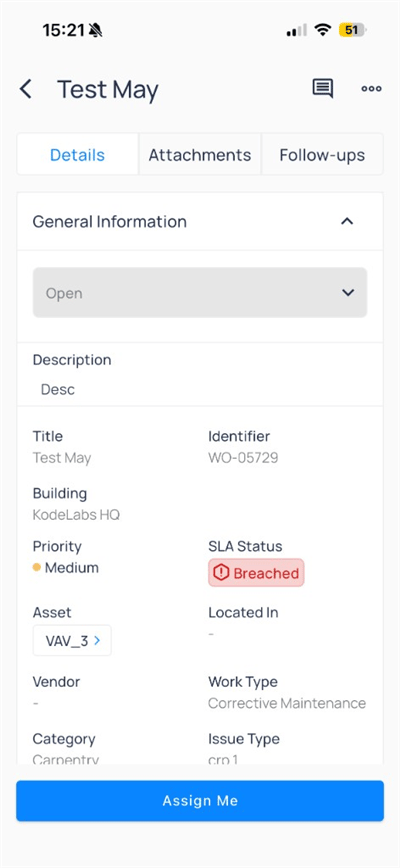
General Information includes Title, Identifier, Building, Priority, SLA Status, Asset, Work Type, Category, and Issue Type. Tap Assign Me to take ownership when you are unassigned.Update status
Change status from the dropdown at the top ofDetails: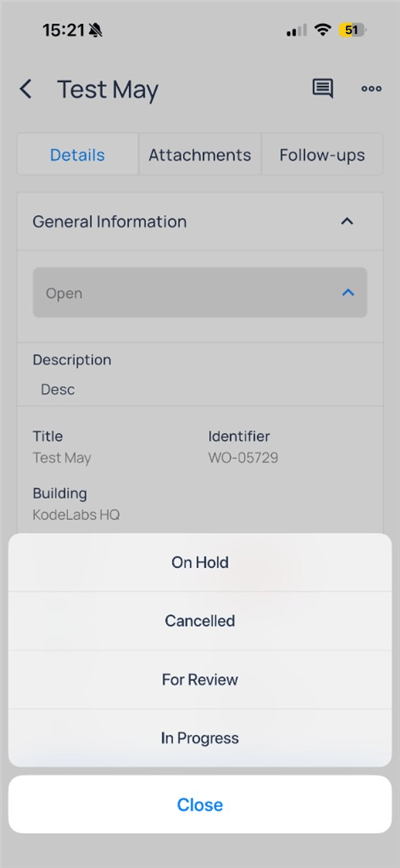
In Progress, add optional notes: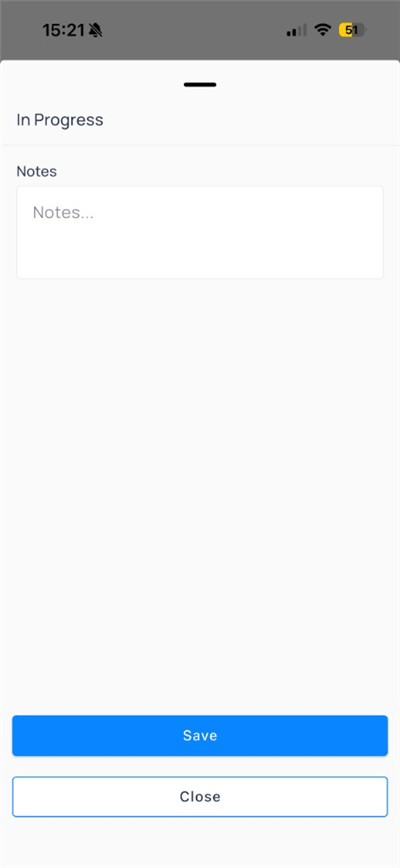
Notes when starting work
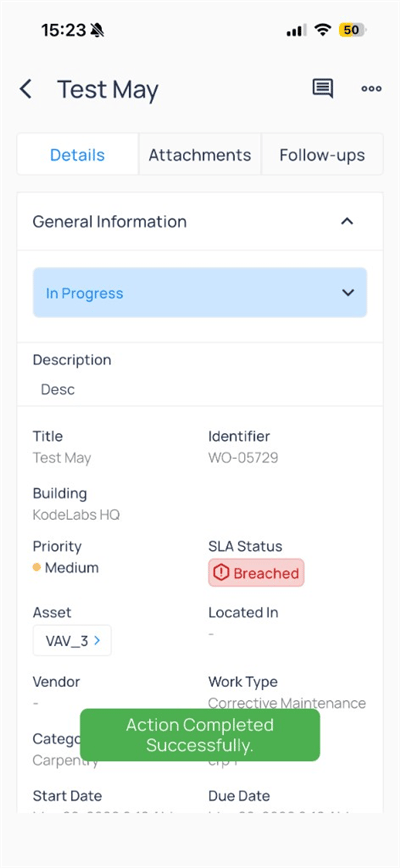
More actions
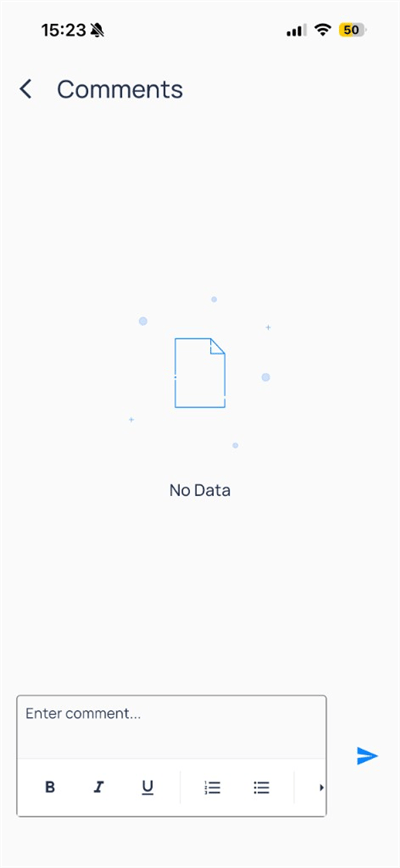
Open the more menu in the header for administrative actions: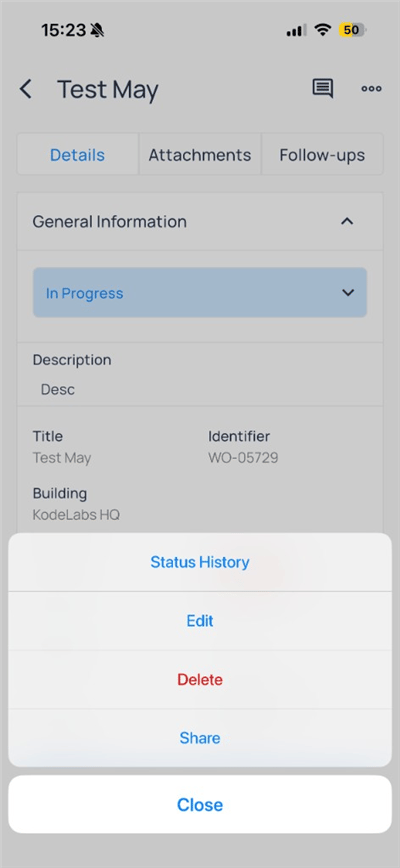
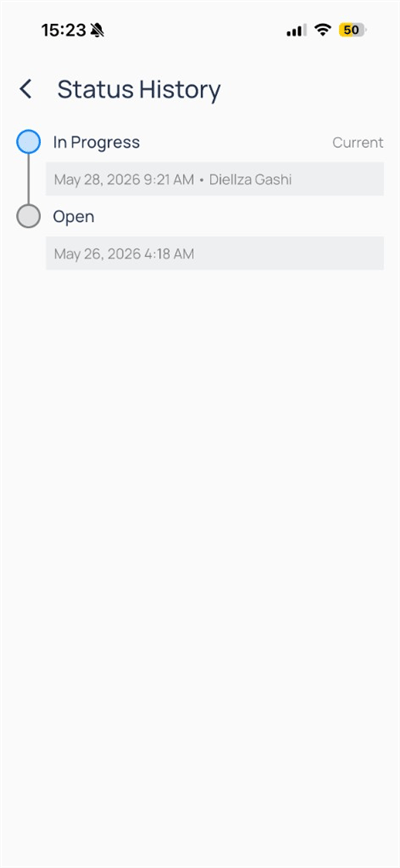
Status timeline
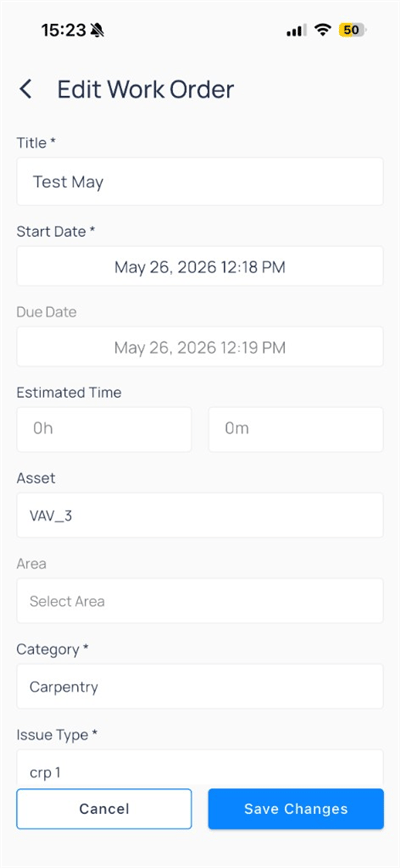
Edit work order
Create work from other modules
You can start work orders from FDD events, faults, and devices when your role allows:- Events on mobile —
Work Orderson the event menu - Manage FDD faults — fault detail menu
- Devices on mobile — device more menu
Work Orders app.
Compare to web
Next steps
AssetOps work orders
Full work order admin on the web.
Understanding work orders
Learn AssetOps work order concepts.
Devices on mobile
Open equipment, trends, and device actions.