

System creation, tagging, and graphic authoring require the web Systems module. Mobile is for operations and monitoring.
Open Systems
SelectSystems from the building app launcher.
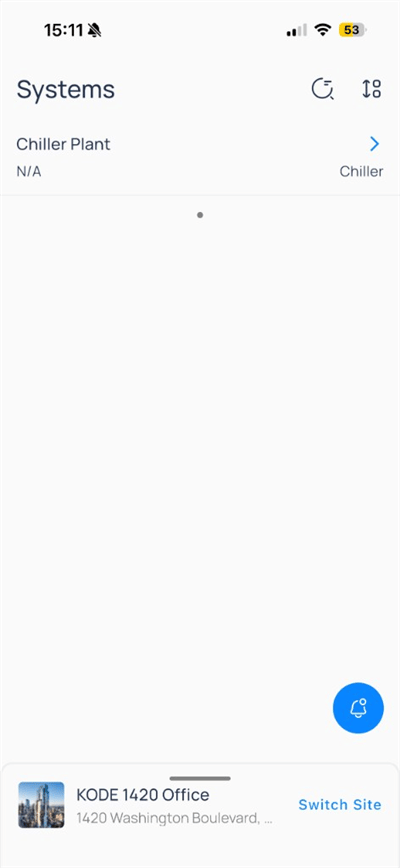
Chiller). Tap a row to open the system.
Use search and filter icons in the header when your site exposes them.
System header
Inside a system such asChiller Plant, the header includes:
Switch view mode
Tap the view dropdown to change how the system is presented.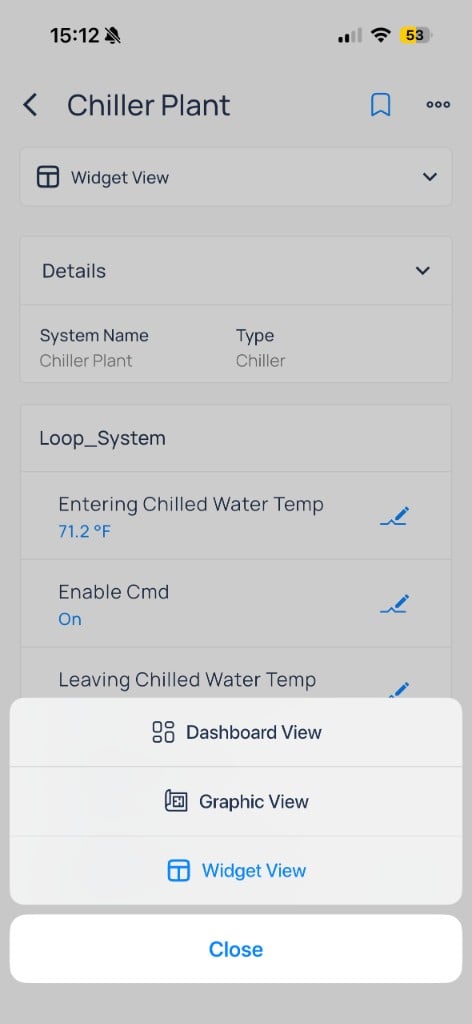
Dashboard, Graphic, and Widget views
- Dashboard
- Widget
- Graphic
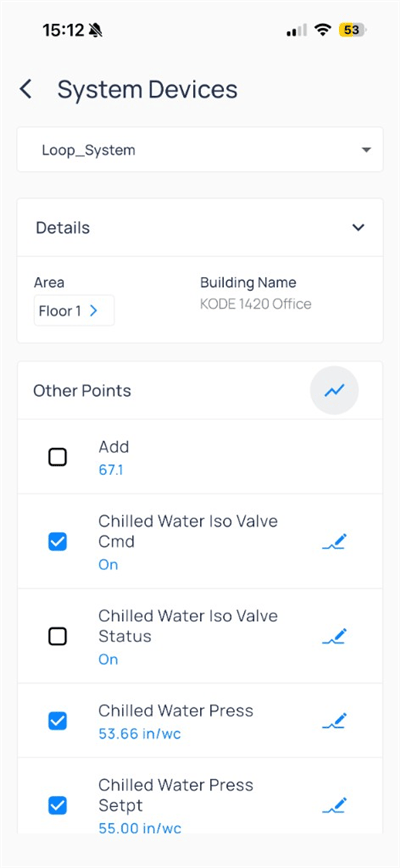
Dashboard View lists points by category (for example, Temperature under Loop_System). Checkboxes select points for trends; pencil icons open writes.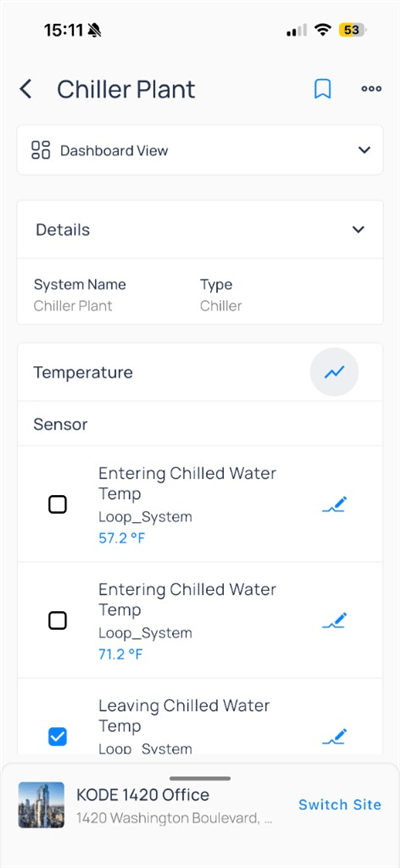
Details to confirm System Name and Type.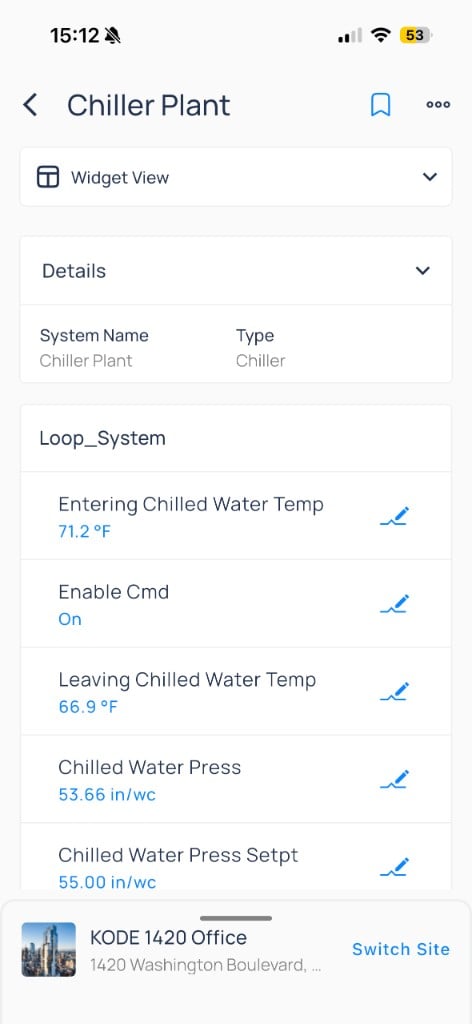
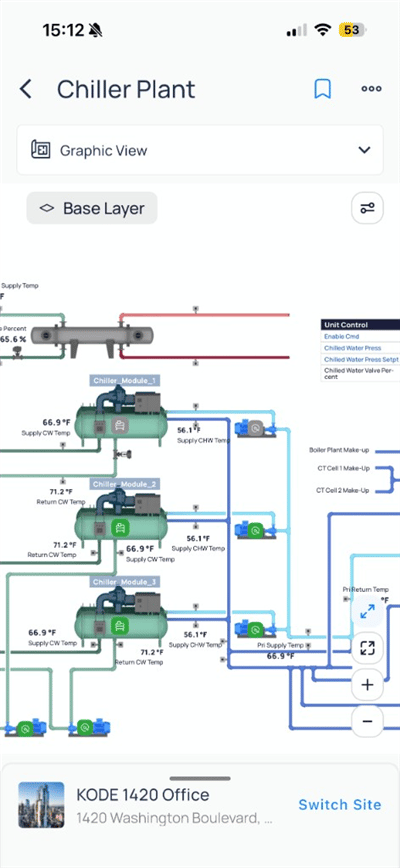
System menu
Open more (...) for system-level actions.
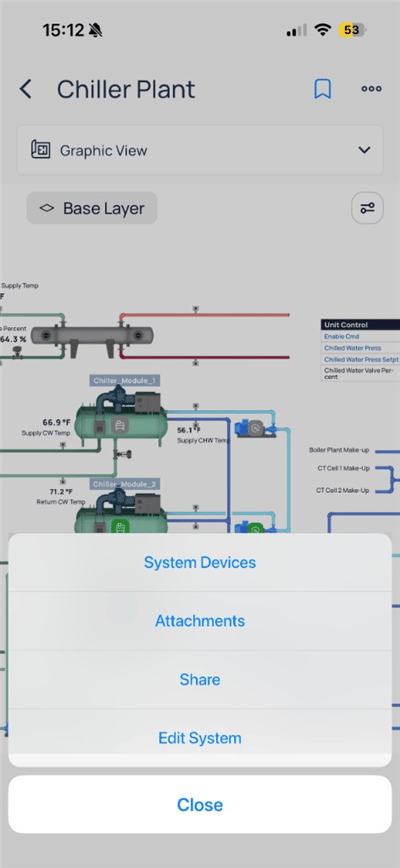
System Devices
System Devices lists child equipment and points grouped under the system (for example, Loop_System).
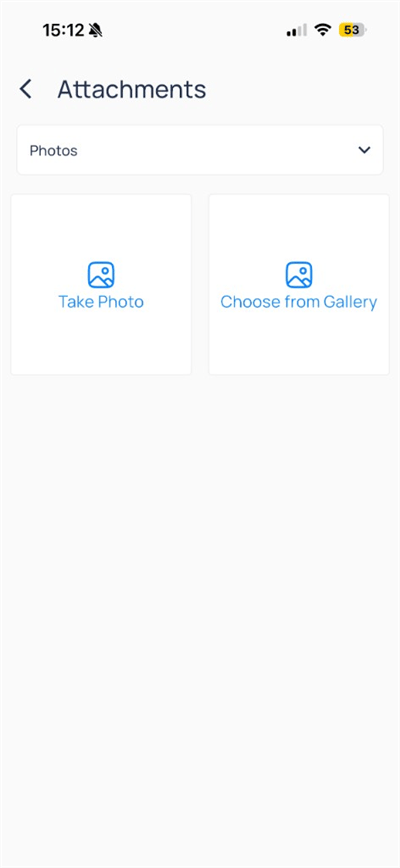
Attachments
Attachments lets you capture or upload photos for the system record.
Edit System
When your role allows,Edit System updates name, type, and tags.
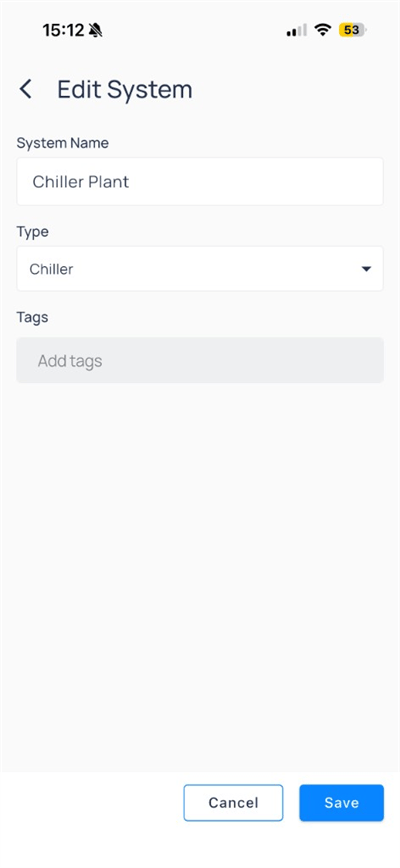
Save to apply or Cancel to discard.
Compare to web
Next steps
Devices on mobile
Open equipment, trends, and device actions.
Points on mobile
Browse status, filters, and point writes.
Areas and floor plans
Browse floors, layers, and spatial triage.
Systems on web
Create systems and author graphics.